Deploy creative, grow your brand.
Creating great content is only half the battle. Deploy your assets across your marketing channels easily, all from Dash.
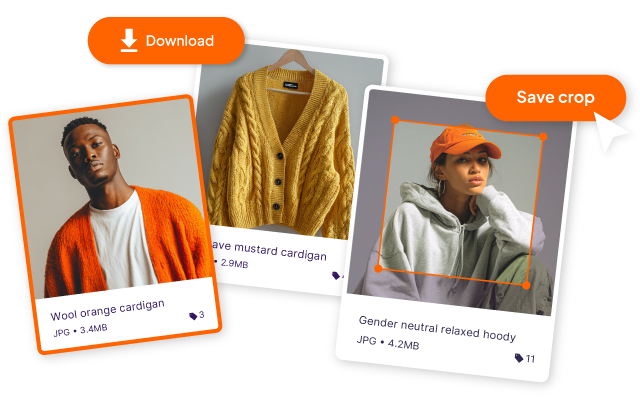





Get your visual creative campaign ready
Dash isn't just storage. It'll help you get your assets out into the wild, quickly. Crop, resize, download and send assets to your store with the click of a button.
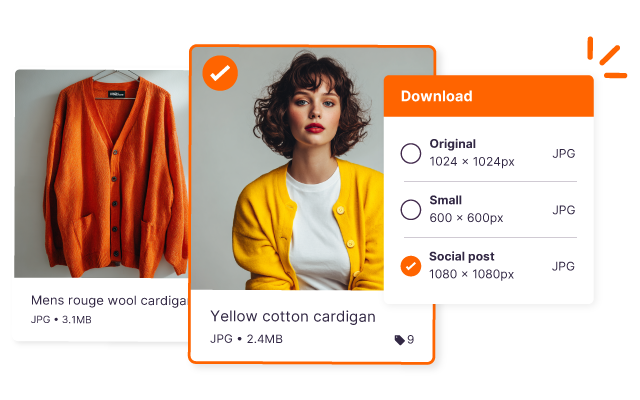
Get files in whatever format and size you need
Select assets, then pick the file format and dimension you need. All without having to hassle your design team.
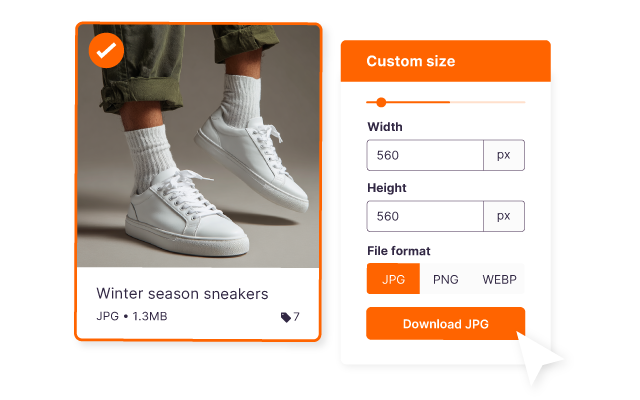
Set your custom file sizes
Got image dimensions specific to your business, like homepage banner? Save this in your Dash to quickly transform assets.
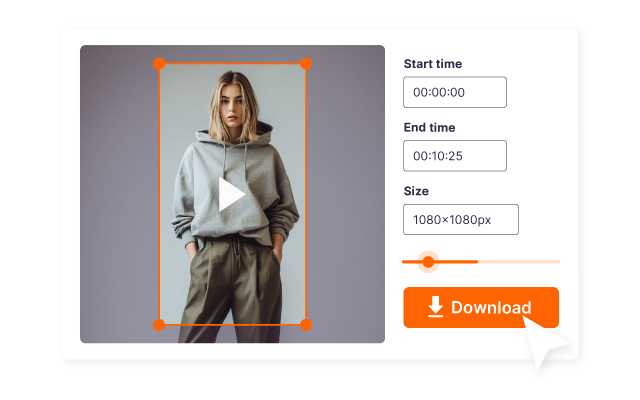
Resize and trim your videos
Resize and download videos easily. You're also able to create and save specific clips in Dash.
Embed images and video on your site
Securely embed images on your site from your Dash.
Use Dash as your CDN. It will help your site load times. And If you update the asset in your Dash, it'll automatically update your site too.
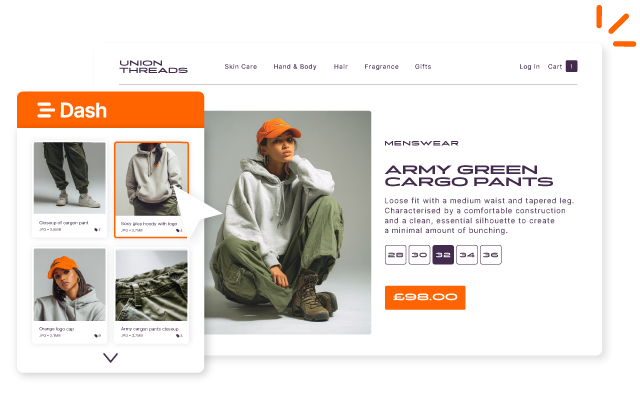
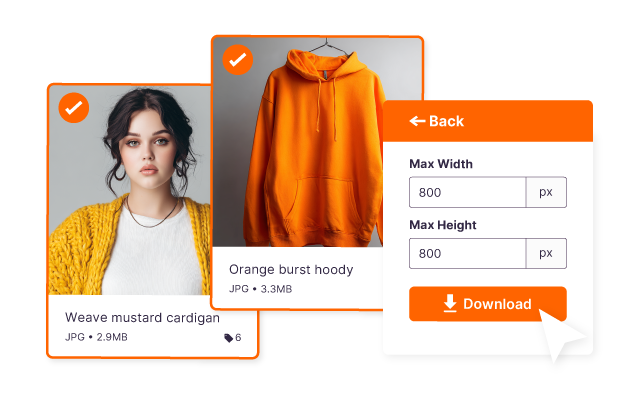
Crop multiple product images at one time
Got specific product image requirements for your store or marketplace? Save this in Dash digital asset management, then apply the crop across multiple images when you download them.
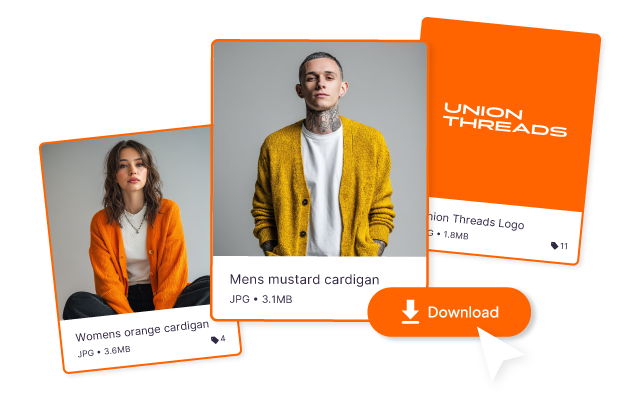
Collect your product creative together
It's easy for you and your team to grab the assets they need. Select multiple creative, mass edit them, then bulk download in whatever format you need.
Start your free trial
no credit card needed.
Integrations to make your creative flow
Dash slots into your marketing tech stack so you can get your assets out into the wild, seemlessly.



Marketers and creatives love Dash


"Dash finally gave us a way to move beyond the chaos of folders on Dropbox and WeTransfer."



"We’ve had an 80% reduction in design requests that were previously coming to me and my team."



"Dash is brilliant and it’s changed how I do a lot of my job ... I can spend time doing work that needs doing, less time finding things."

FAQs about using and deploying assets in Dash
How does Dash help me deploy brand assets across marketing channels?
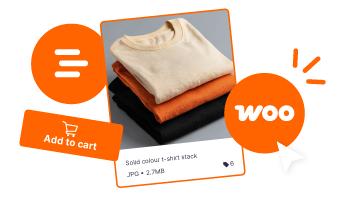
Dash helps you get assets out into the wild quickly, without bouncing between tools or waiting on a designer. You can prep files for web, email, ads, and social straight from your library. You can then connect with tools like Shopify, WooCommerce and Hootsuite to push creative to your channels.
Can Dash send assets directly to my ecommerce store or other tools?
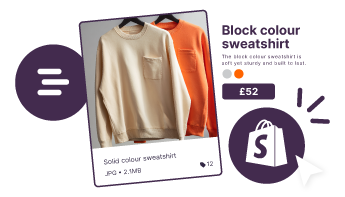
Dash digital asset management integrates with tools like Shopify and others in your marketing stack, so you can push assets where they need to go without re-downloading and re-uploading. If you need something more custom, Dash also supports integrations through Zapier or the API.
Can I crop and resize images in Dash for different channels?
In Dash you can crop and resize images before you download them, or apply saved preset sizes for things like homepage banners, PDP images, or paid social formats. This makes it easy to get channel-ready versions without creating extra files.
What type of teams can benefit from Dash?
Teams that get the best use from Dash are the ones who need to deploy creative quickly. They’re likely juggling lots of visuals and channels, and don’t have enough time.
That includes ecommerce marketing teams pushing assets live across Shopify, email, paid social, organic social, and marketplaces. It also includes content and creative teams who need a quick way to crop, resize, and download channel-ready versions without creating duplicate files.
Agencies and freelancers use Dash too, especially when they’re delivering assets to clients and want a clean, organised handoff instead of messy Drive folders. And retail or partner-facing teams rely on Dash when they need to send approved visuals out fast to wholesale accounts, PR, or distributors.