Share your visual content with ease
Use Dash to send files simply and painlessly, like it should be. WeTransfer could never.






Tired of WeTransfer?
Expired links, privacy concerns, features being taken away. You don't have to put up with WeTransfer.
Use Dash digital asset management instead. Store, share and deploy your visual creative with ease.
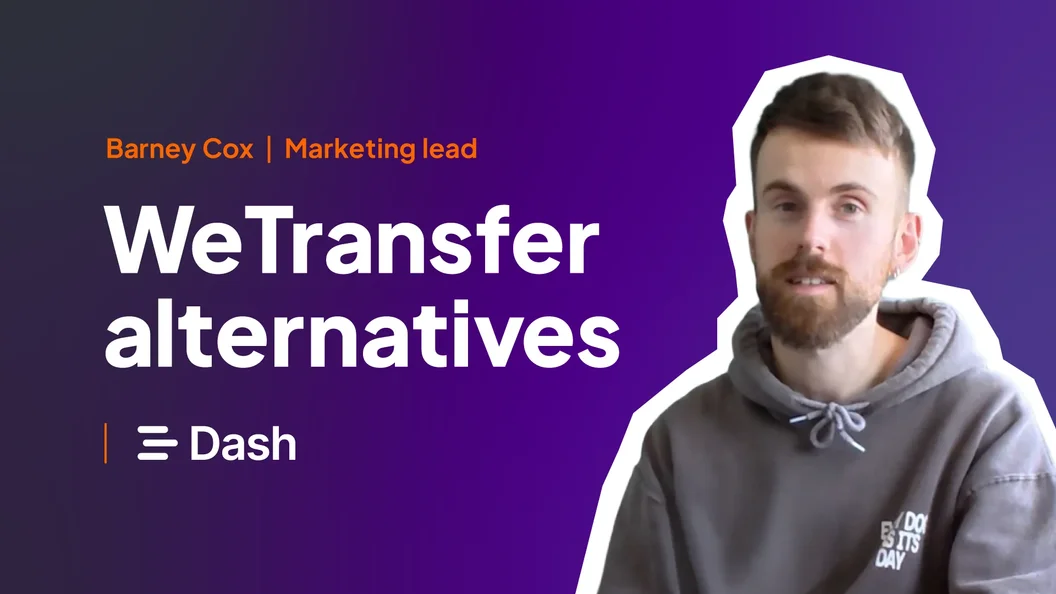
Effortless sharing and collaboration
No expired WeTransfer links. Dash offers flexible sharing that works for you - not against you.
Send files with a click
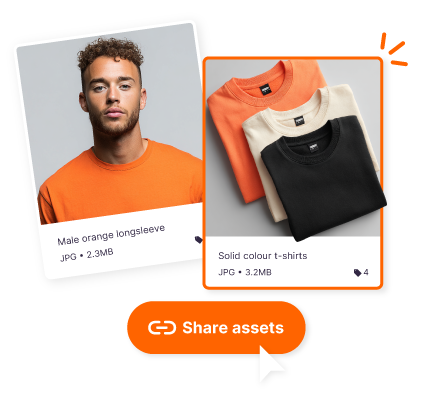
Share any images and videos in your Dash. Select the assets you want and share by email or with a unique URL.
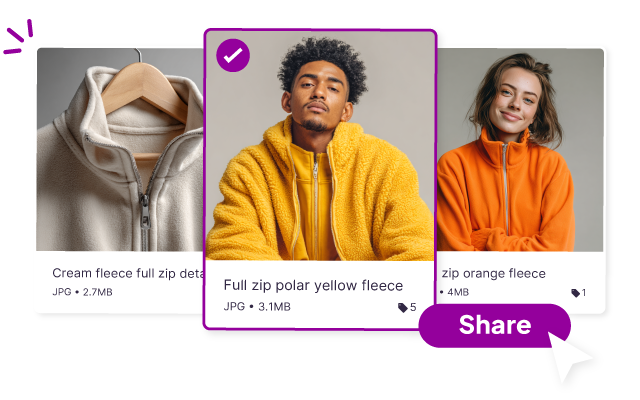
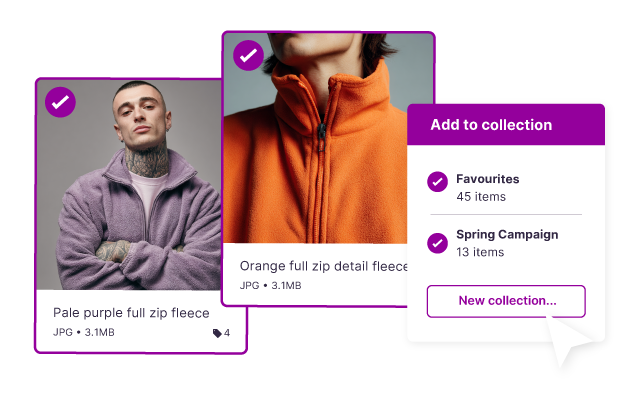
Work with your team
Group content into collections, then invite teammates. Keep everyone up-to-date and knowing what's going on.
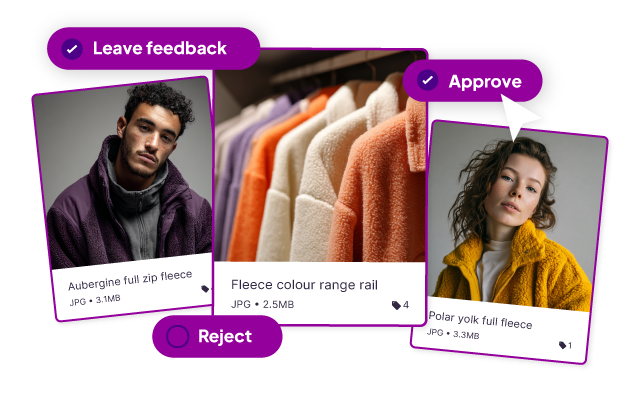
Approve your creatives
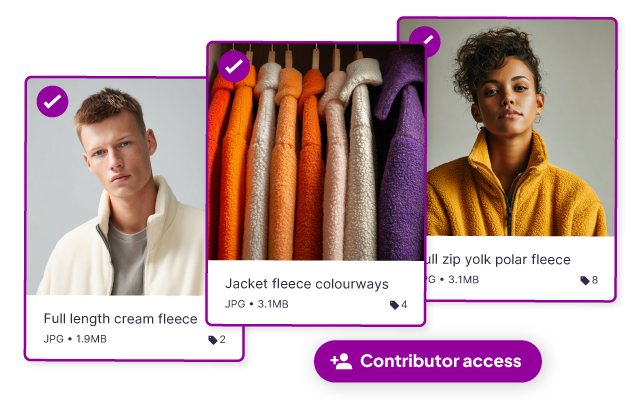
Your photographer has finished a shoot. Have them upload straight to Dash where you can comment, reject and approve.
Give public access to content
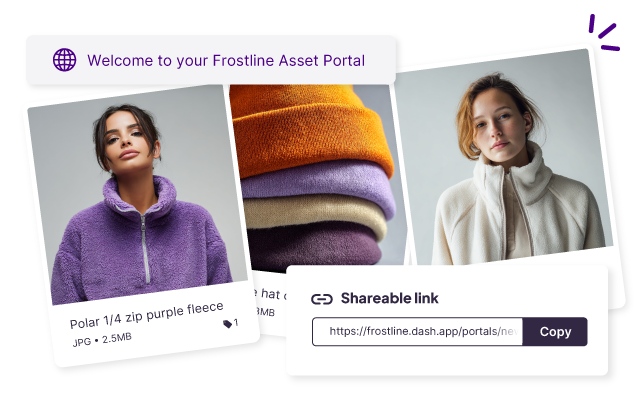
Select groups of assets to make publicly available, without users requiring a Dash login.
No more emailing external partners - like agencies or resellers - every time you've updated an asset, or have new photos to share.
Just send them over to your portal, straight from Dash.
Control who gets to see what
Teams need different sets of permissions. Create groups - like 'brand team' - and add users to keep everyone aligned.
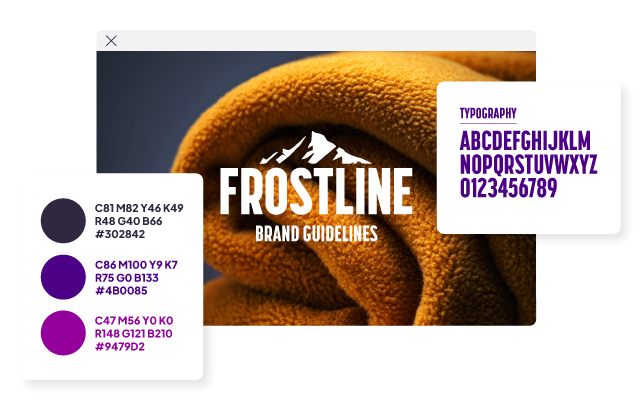
Build your online brand guide
Do away with ye olde style guide PDF and take yours online using Dash's integration with Corebook.
Sharing. Made better.
FAQs about sharing and collaborating in Dash
How do I share brand assets with people who don’t use Dash?
You can share assets through Dash by sending a link or inviting someone by email. People can view and download what you share without needing a Dash account, and you can update access or turn links off whenever you need to. You can also create public portals so partners can self-serve assets without needing to hassle you.
Can we collect feedback and approve assets in Dash before they go live?
Yes, you can adjust permissions so contributors will require approval before their assets go live in Dash. You’ll be able to comment on the asset and reject content that doesn’t fit the brief.
Can I create a public portal for partners like agencies or retailers?
You can create a branded portal in Dash that agencies, retailers, or distributors can access any time to grab approved assets. You can create as many portals as you need, and add custom branding and colour schemes to make your partners feel like VIPs.
You’ll also control what appears in each portal by giving access to specific folders in your Dash account. Whenever you add or delete content from that folder, it’ll update automatically in the portal. Finally, you can add an optional passcode for indeed security.
What’s the difference between sharing a file, a collection, and a portal?
Sharing a file is best for sending a specific asset quickly. You can do this by adding your recipient's email or sending a URL. Collections let you group the right files for a campaign, launch, or partner and share them as one tidy set.
Portals are always-on libraries where partners can self-serve the latest approved assets without asking your team each time.
Can I control who can view, download, or edit assets?
Dash digital asset management gives you flexible permissions for teammates and external partners, so you decide who can see, download, or manage assets.