Don't let your Klaviyo campaigns grind to a halt.
Stop scrambling through folders for visuals an hour before send. Find, crop and add on-brand images to your Klaviyo emails, straight from Dash.
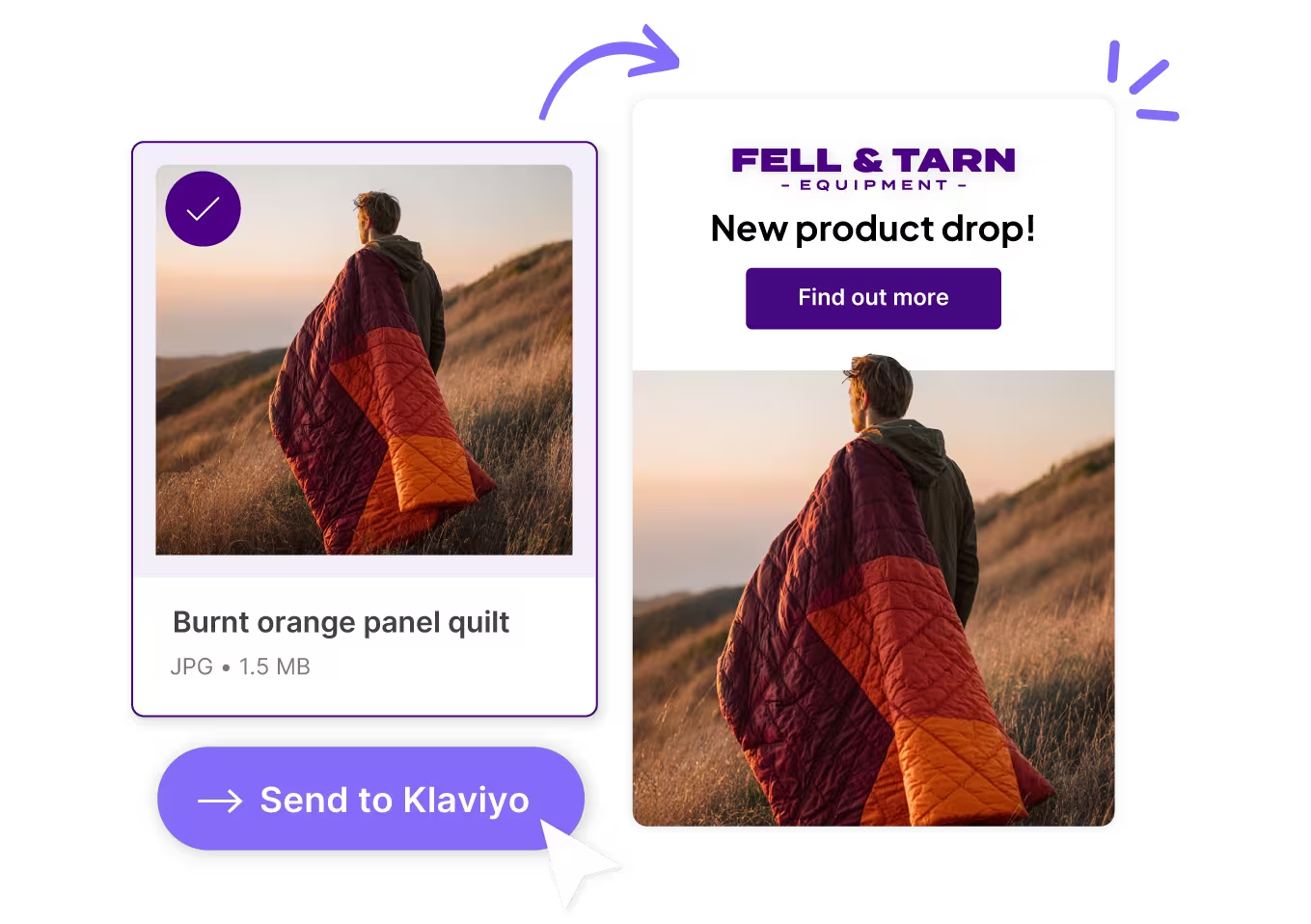





Get your emails ready to send
Store campaign imagery in a single place
Don't rely on Klaviyo's media and image library to keep things organised. Get everything into Dash where you can tag by SKU, Shopify product name, and more.
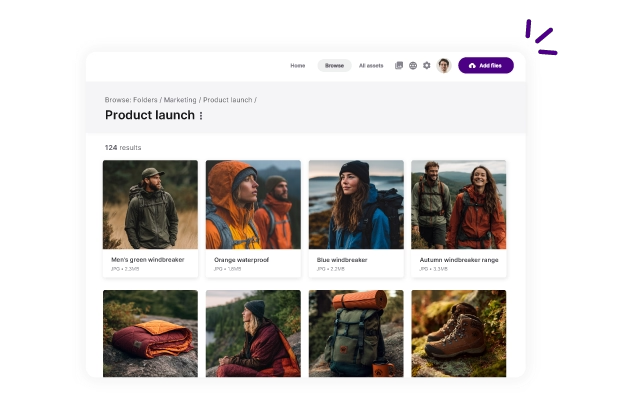
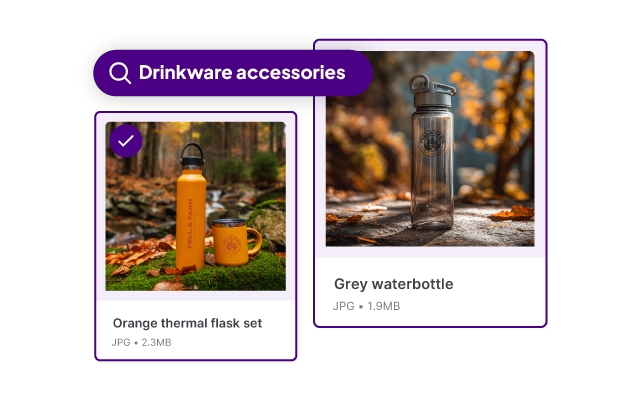
Find campaign visuals in seconds
Search your whole product image library, or filter by campaign, season, product and more. Typing "red jacket, lifestyle, AW26" beats scrolling a Klaviyo's image library.
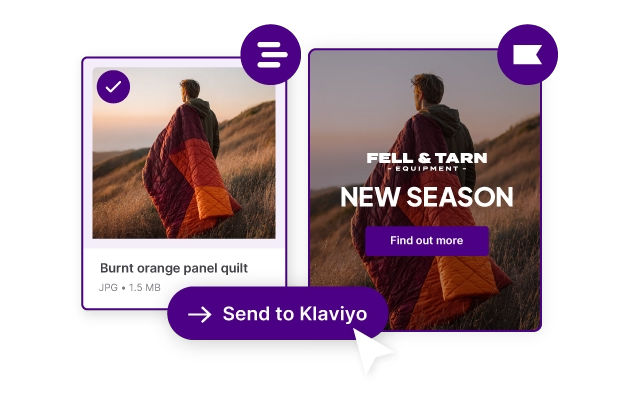
Drop images straight into Klaviyo
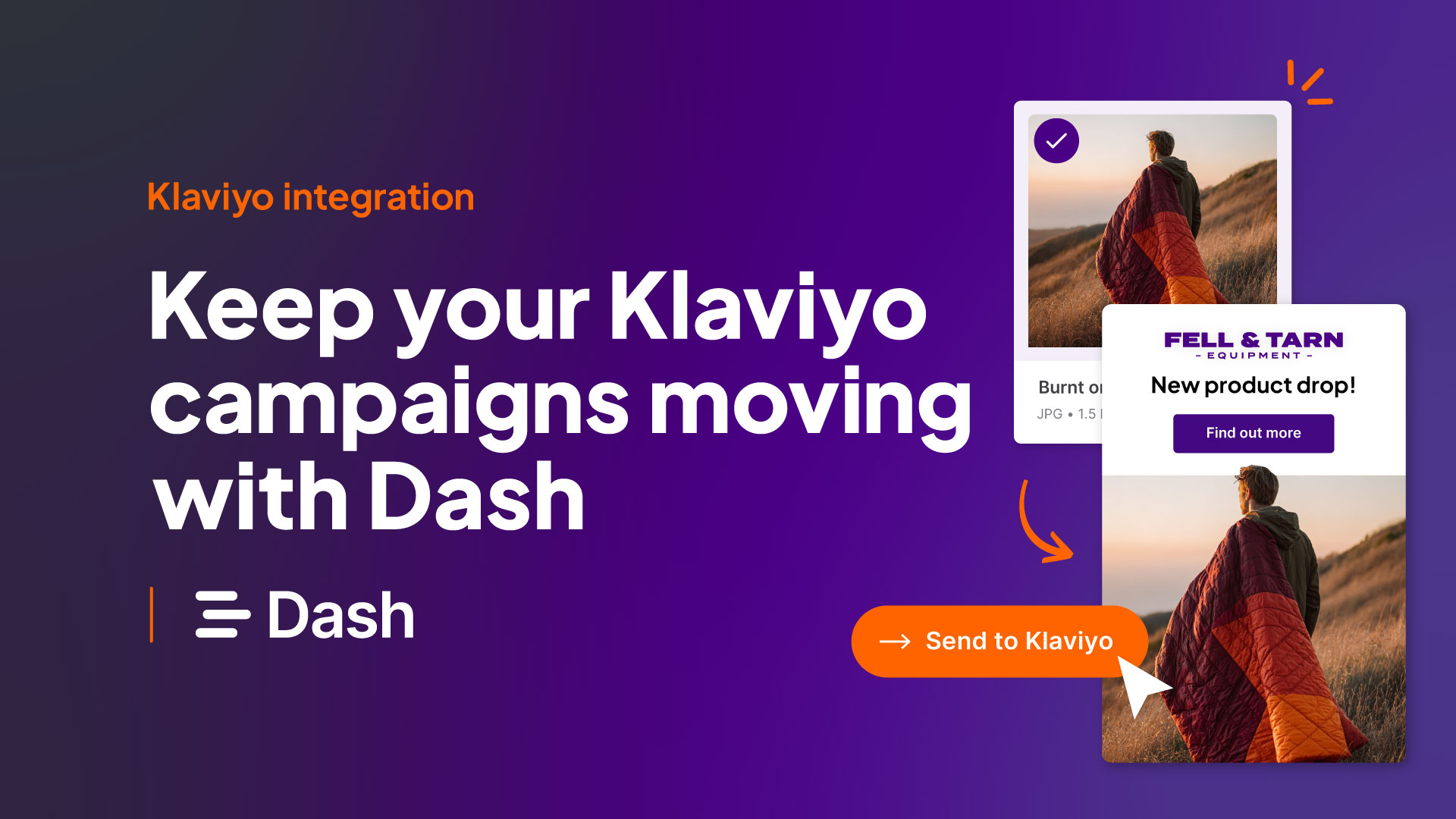
Select the assets you need for your campaigns, then send them over to Klaviyo. They'll be waiting there, ready for you to use.
Bulk edit images for your emails
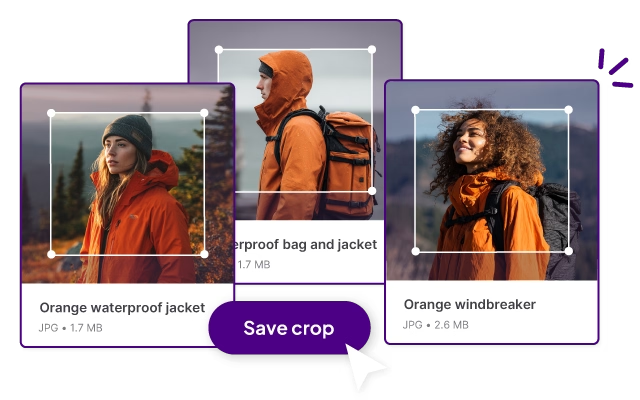
Save your newsletter dimensions as a preset in Dash. Crop as you grab the link, so every image lands in your template looking right. No designer ticket needed.
Stay on brand with every send
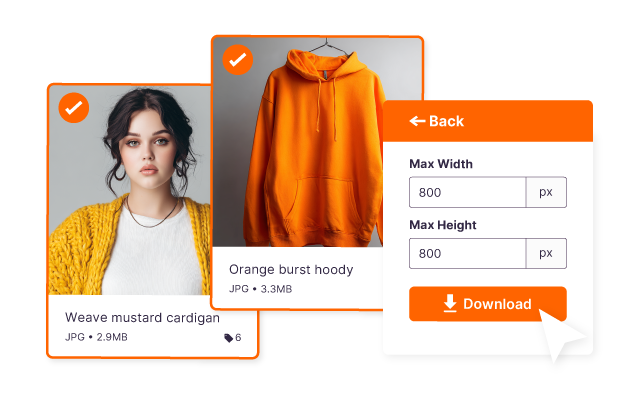
Your email team can rest assured they're using imagery that's been approved by your brand team.
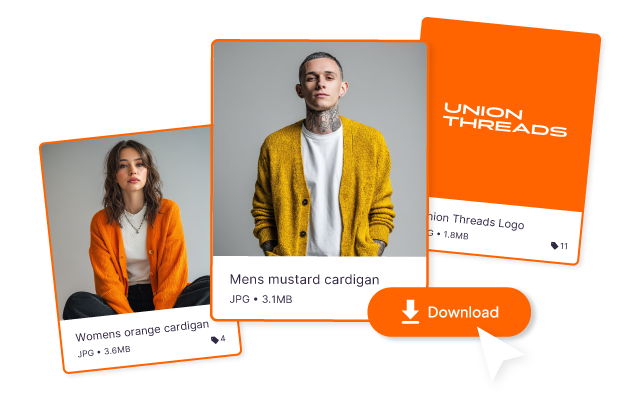
Collect your product creative together
Every image you bring in from Dash is saved in your Klaviyo image library. Ready for your welcome flow, abandoned basket emails and next week's newsletter.
Here's how it works
Don't let searching for product visuals slow down your campaigns.
Here's how the Klaviyo DAM x Dash integration works.
Marketers and creatives love Dash


"Dash finally gave us a way to move beyond the chaos of folders on Dropbox and WeTransfer."



"We’ve had an 80% reduction in design requests that were previously coming to me and my team."



"Dash is brilliant and it’s changed how I do a lot of my job ... I can spend time doing work that needs doing, less time finding things."

Klaviyo integration FAQs
What is Dash's Klaviyo integration?
It lets you use images from your Dash library in Klaviyo emails without downloading and re-uploading them. Pick an image in Dash, crop it to your email size, copy the embed link and paste it into an image block in Klaviyo.
Which Dash plans include the Klaviyo integration?
All of them. Every Dash plan comes with every feature, and that includes integrations.
Who benefits from the Klaviyo integration?
It's especially useful for:
- Email and CRM marketers
- Lifecycle and retention teams
- Designers building email templates
- Agencies running Klaviyo for ecommerce brands
Do I need a developer to set it up?
Nope. There's nothing to install. If you can copy and paste, you're set.
Why should I connect Klaviyo to Dash?
Email moves fast, and hunting for the right image slows everything down. With Dash, your approved, correctly sized imagery is one search away, so you spend less time wrangling files and more time on campaigns that convert.