Launch on Shopify. Without the grind.
Wave goodbye to repetitive admin. Launch new product collections faster. All with Dash's new Shopify integration.
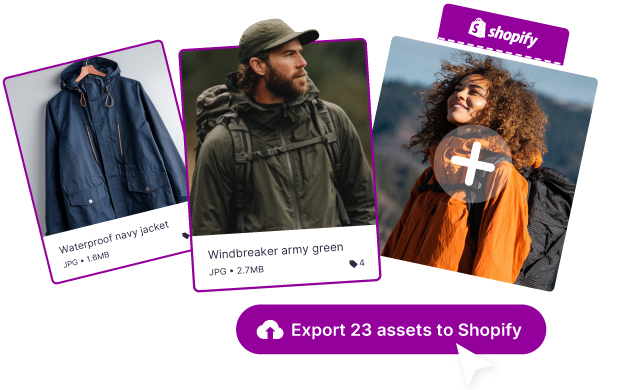





Get product pages ready to launch
Ditch the pain of Shopify's Media Library
Use Dash to store your hundreds of product shots in one place. Here, they're searchable and filterable by SKU, product type and more.
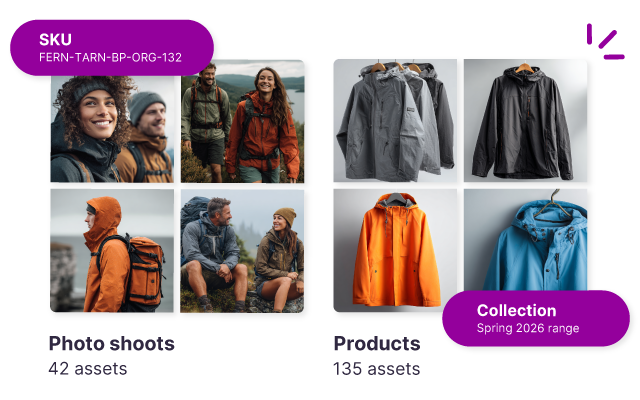
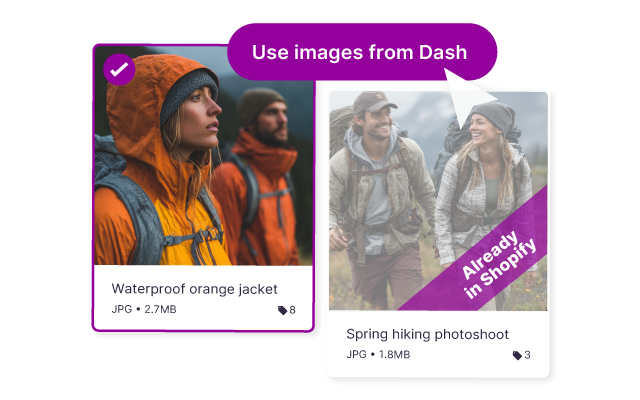
Select assets directly inside Shopify
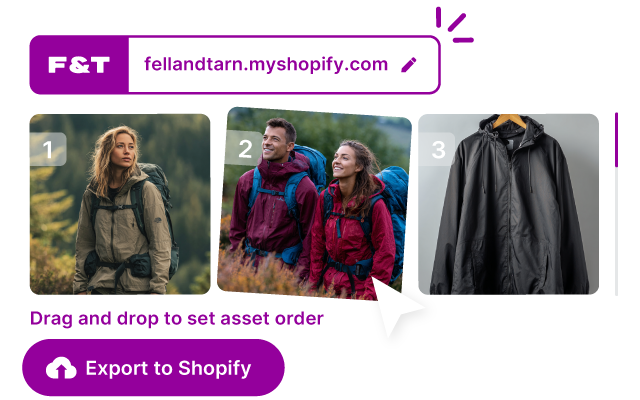
No downloading. No re-uploading. Open a product page in Shopify and pull images straight from Dash. Reorder, then hit save.
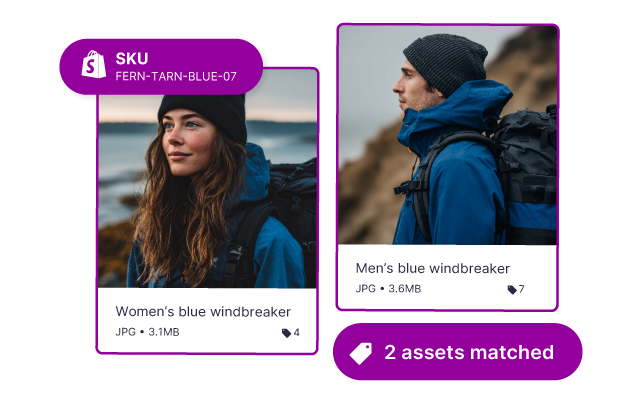
Match creative to products using SKUs
Tag creative with product SKUs in Dash. Dash automatically matches them to the right Shopify listings, ready for your review.
Update 100s of Shopify product pages in bulk
Instead of updating listings one by one, push changes across your catalogue at once. Review matches, set image order, and export directly to Shopify. Faster launches. Far less admin.
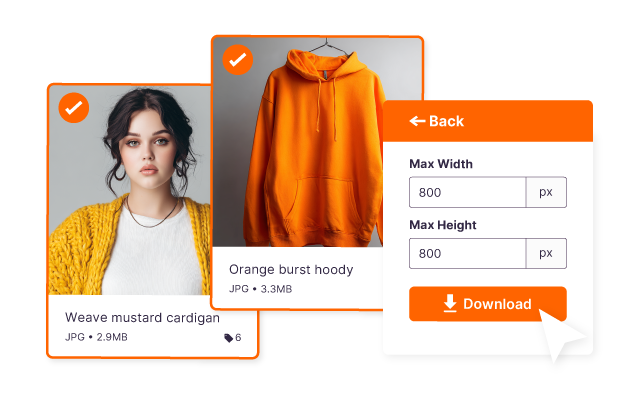
Crop multiple product images at one time
Got specific product image requirements for your store or marketplace? Save this in Dash, then apply the crop across multiple images when you download them.
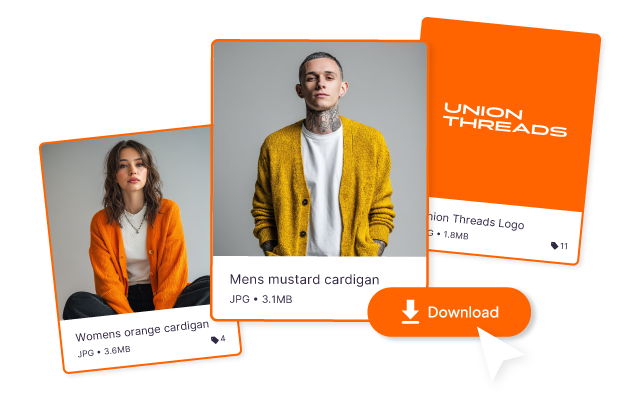
Collect your product creative together
It's easy for you and your team to grab the assets they need. Select multiple creative, mass edit them, then bulk download in whatever format you need.
Here's how it works
Whether you're updating 5 SKUs or 500 SKUs, this will save you time.

Marketers and creatives love Dash


"Dash finally gave us a way to move beyond the chaos of folders on Dropbox and WeTransfer."



"We’ve had an 80% reduction in design requests that were previously coming to me and my team."



"Dash is brilliant and it’s changed how I do a lot of my job ... I can spend time doing work that needs doing, less time finding things."

FAQs about Dash's Shopify integration
What is Dash’s Shopify integration?
Dash’s Shopify integration connects your Shopify store with your brand asset library. It automatically pulls product images from Shopify into Dash so your team can easily find, organise, and use them in marketing campaigns.
What assets does the Shopify integration import?
Dash can import product images to your Shopify store and correct listings.
Why should I connect my Shopify to Dash?
Connecting Shopify to Dash keeps your product imagery organised and accessible for marketing and design teams. Instead of downloading images from Shopify manually, your team can search, tag, and use product assets directly from Dash. Or bulk update 100s of SKUs from Dash. This helps you move faster when creating emails, ads, social posts, and campaigns.
Who benefits from the Shopify integration?
The Shopify integration is especially useful for:
- Ecommerce marketing teams
- Designers creating campaign assets
- Social media managers
- Agencies working with Shopify brands
It ensures everyone can quickly find the correct product images without digging through Shopify.