The SharePoint alternative for marketing teams
Fed up of using SharePoint to store all your cretive assets? Dash gives your team a home for creative. Every asset easy to search, share and use. It's for brands who've outgrown SharePoint.
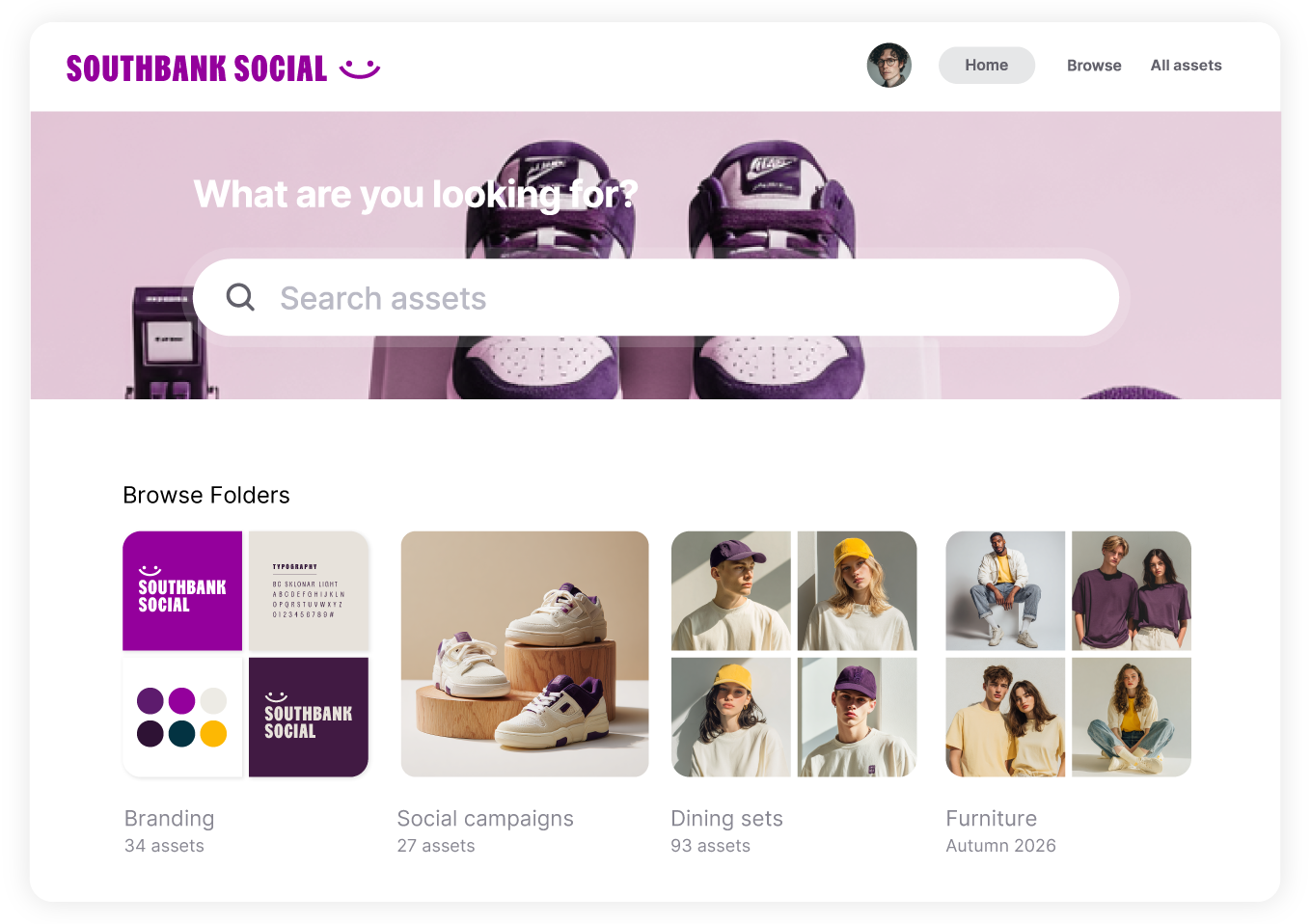
What's Dash?
Dash is a DAM for ecommerce and DTC brands fed up of storing creative on SharePoint.
It keeps your product photos, campaign creative, video and logos organised, searchable and ready to use.
(And your marketing team can run it without a ticket to IT.)
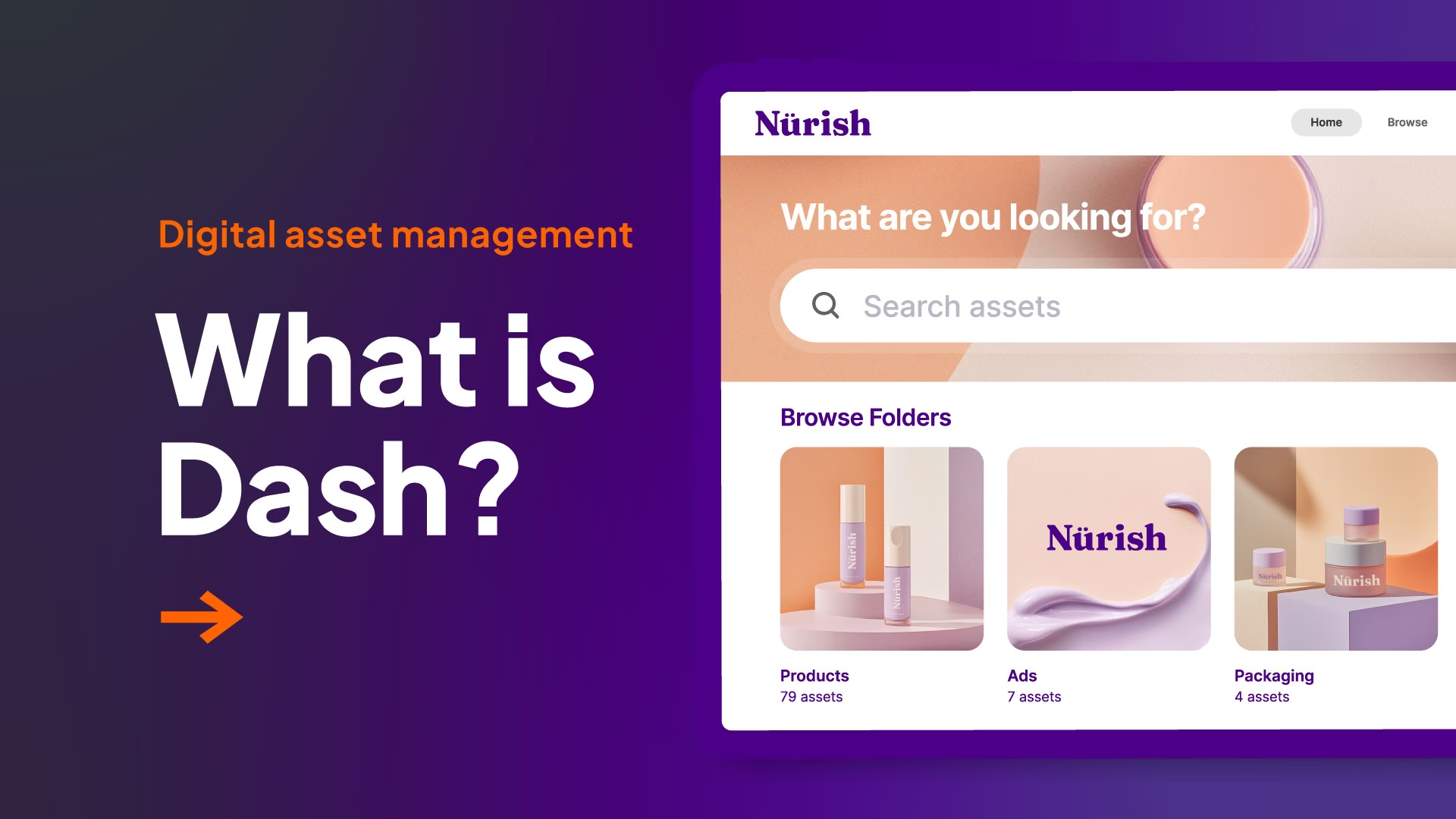





SharePoint wasn't built for creative
SharePoint is brilliant for intranets, policies and company documents.
But getting it to handle thousands of product shots means libraries, metadata columns and permissions, usually set up by someone outside your team.
Every new retailer needs guest access. Every campaign needs another folder. Your marketers end up working around the system instead of with it.
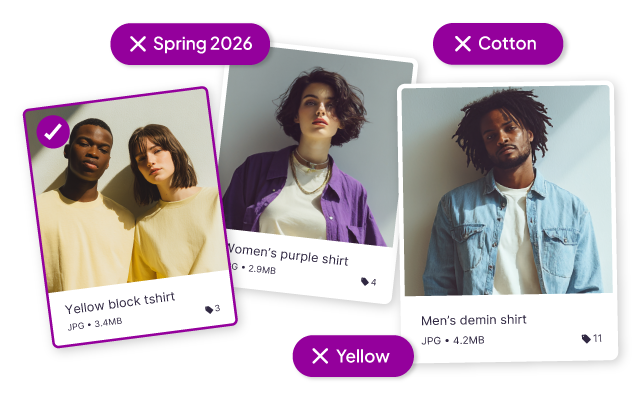
Find the shot, fast.
In Drive, you need the file name or a very good memory. In Dash, search "red jacket on a mountain" and our AI finds the shot. Or filter by SKU, product range, season or campaign to find exactly what you're after.

Sharing without the admin.
Give retailers, agencies and press a branded portal to grab the images they need. No Microsoft account, invites, or permissions to untangle. You choose what's available. They help themselves.
Get content from creators.
Send photographers and creators a guest upload link. Their files land straight in Dash, where you can approve, reject or give feedback. No workflows to build first.
Collect your product creative together
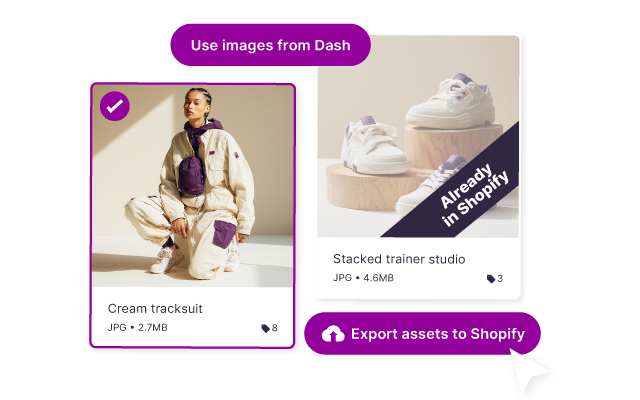
Crop for social, resize for your site and convert formats without a designer. Send product shots to Shopify in bulk and pull images straight into Canva or Hootsuite. No more downloading from Drive just to upload somewhere else.
.avif)

Collect your product creative together
First, upload the assets your retail partners need into Dash and tag them so they’re easy to find.
Collect your product creative together
First, upload the assets your retail partners need into Dash and tag them so they’re easy to find.
Dash vs. SharePoint comparison
Pricing starts from $109 a month for every features + unlimited users
Built for creative storage, sharing and deployment
Free unlimited users
Easy to get going, free migration and onboarding
SharePoint
Microsoft 365 Business Standard from $168 monthly for 10 users
Good for intranets, docs and file storage
Pay for more users
Tricky to implement, may need support from IT

Free migration from SharePoint to Dash in 4 steps

Step #1
Book a call with our friendly onboarding team for a time that works best for you.

Step #2
Share folders you want in Dash and we’ll move them over. Or import directly from SharePoint.

Step #3
Organise your files with Dash's bulk edit and metadata import.

Step #4
You're good to go! Spread the word to your team.
Marketers and brand teams love Dash


"Dash mitigates all the issues of SharePoint. It’s really straightforward, easy to use and helps us massively.”


.png)
"If you have a lot of assets and you’re feeling overwhelmed about where to start organising them, then Dash is for you!"



"Being able to filter content effectively is my favourite thing ... It makes it so much easier to find everything.”

SharePoint vs. Dash FAQs
What's the best SharePoint alternative for ecommerce brands?
If your problem is managing product images and video, the best SharePoint alternative is a digital asset management (DAM) tool like Dash. It gives marketers AI search, retailer portals and Shopify integration without an IT project. If you're replacing SharePoint as an intranet or document store, tools like Google Workspace, Box or Notion are closer swaps.
Is Dash a replacement for SharePoint?
For your brand's images and videos, yes. Keep SharePoint for policies, contracts and company documents. Most teams use Dash for creative and Microsoft 365 for everything else.
Do retailers and agencies need a Microsoft account for Dash?
No. Partners can grab assets from a branded portal or share link without an account, guest invite or access request. Photographers can upload through guest upload links too.
Does our IT team need to be involved?
Not to run it. Your marketing team can set up and manage Dash day to day. If IT wants to check security first, point them to our security overview.
Does Dash support Microsoft SSO sign-in?
Yes, users can sign-in to Dash easily using their existing Microsoft accounts. More information on Dash and SSO found at the link.
Can you use SharePoint as a DAM?
You can, with enough set-up. SharePoint supports metadata columns, permissions and approval workflows, but each one needs configuring, usually by IT or a Microsoft partner. Dash comes ready for creative from day one, with AI tagging, custom fields, partner portals and image resizing built in.
Can I import our SharePoint files?
Yes. Connect SharePoint from Dash, choose files or whole folders and copy them across with your folder structure intact. Your originals stay in SharePoint, so you can start with one campaign. Prefer not to do it yourself? Our team will migrate it for free.
How does Dash pricing compare to Microsoft 365?
Microsoft 365 charges per user and bundles SharePoint with Outlook, Teams and Office. Dash starts at £79 / $109 a month with every feature and unlimited users, so freelancers and agencies never cost extra. Your plan depends on storage and downloads, and you save 10% with annual billing.
Can I try Dash for free before committing?
Start a free 14 day trial, with no credit card needed. Bring a batch of product images and invite your team. Find a shot, prepare it for a channel and share it with someone who needs it. You’ll soon see whether it fits how you work.