Designers, we see you. You’re the ones turning product shots, campaign ideas, and brand visions into visuals that make people stop scrolling. You’re full of creative ideas and passionate about your work. You’re also endlessly patient when someone asks “could you quickly resize this for Instagram?” 😇
But your day shouldn’t be spent digging through old folders, resizing images for other teams, or re-sending the same brand assets for the tenth time. You didn’t go to design school to crop Instagram banners.
That’s why you need a digital asset management (DAM) tool.
In this article, we’ll walk through how DAM can help you and your design team manage, find and shareyour assets so you can save time and get back to the work you were hired to do.
Why shared drives are holding you back
Think about how you’re storing assets at the moment. You’re likely using Google Drive, Dropbox or your hard drive to store content. You might have an external hard drive, too.
These tools work fine when you’ve got a handful of assets and are sharing with a couple of team members. But as your brand starts to scale and you’re working with multiple teams, partners and retailers - things can get confusing, very quickly.
That’s because these tools are not set up to help you manage design content. You have to rely on team members to label things correctly and store them in the correct folders. And when it comes to large files, you might rely on tools like WeTransfer (and hope your recipients download on time).
And then, when you or your team mates try to find that content again, you have to remember which version of ‘final_final_v1’ is the right one to use.
It’s a nightmare, and one that can quickly dampen your creative sparkle, especially when nobody can actually find and use your creative.
What is digital asset management for designers?
If you’re part of a marketing or brand team, you probably get these requests daily:
“Can you resize this for Instagram?”
“Where’s the latest logo?”
“I just need that banner from last season’s campaign.”
All those ‘quick’ requests add up. In fact, we know that ecommerce design teams like Dilmah Tea were spending 30 hours per week just resizing images for their partners. 😅
A digital asset management (DAM) system stops that cycle.
Think of it like your brand’s visual HQ. It’s a central library where every image, video, logo, and creative file lives. But unlike a messy shared drive, a DAM is built specifically for visual content.
For designers, that means:
- Everything lives in one place: Your product shots, campaign graphics, packaging files, and design templates are all stored and searchable.
- It’s made for visuals, not documents: You can see large, beautiful previews of your assets instead of squinting at tiny thumbnails or cryptic file names in Dropbox.
- You’re always in control: You decide what’s approved and who can access what, so you can protect your brand’s identity.
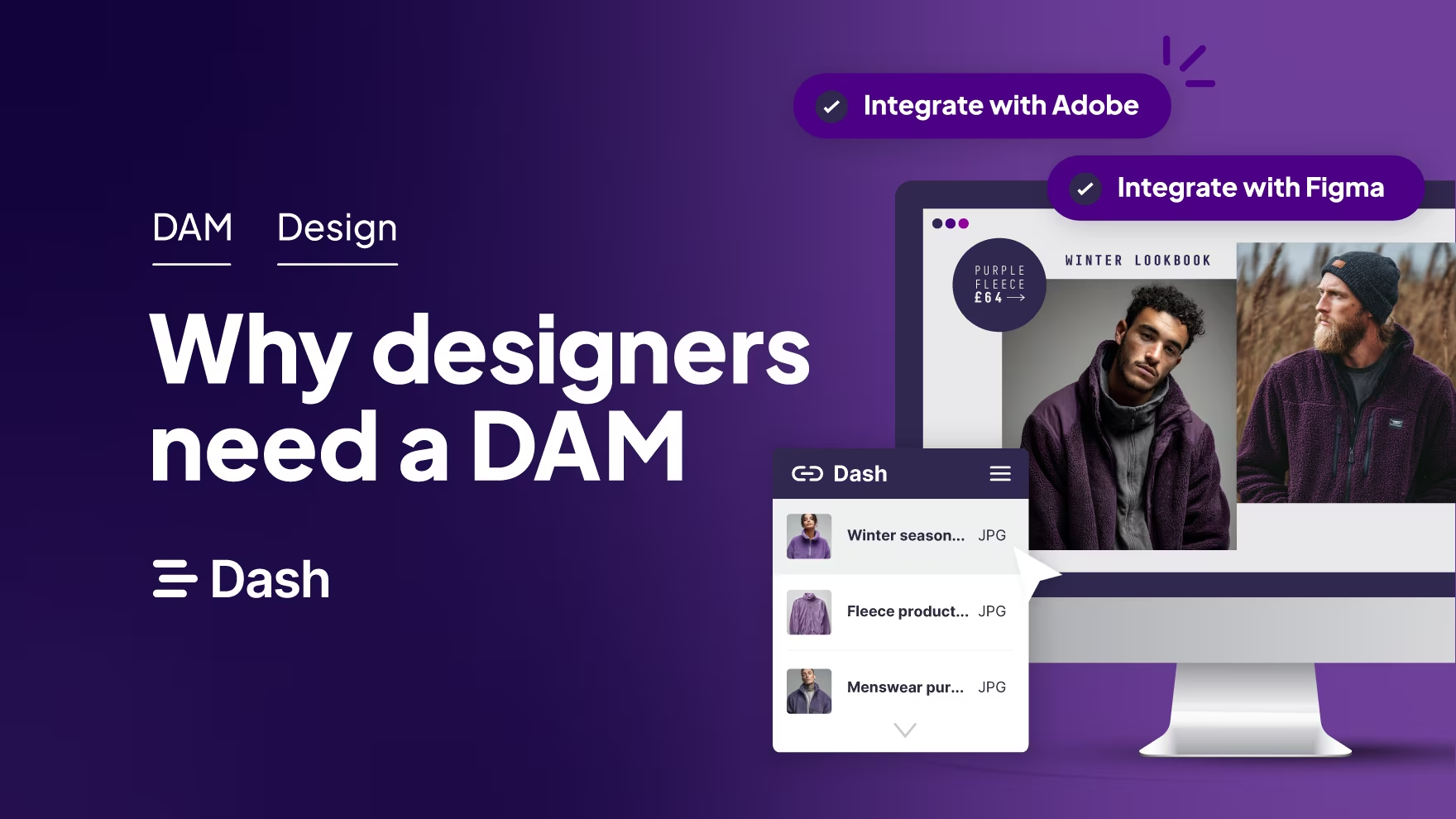
- It works with your design tools: The best DAMs (like Dash) integrate with Adobe Creative Cloud so you can drag and drop assets straight into your projects.
It means your team can access, download and resize brand approved content themselves, and stop interrupting your creative work.
7 ways DAM will improve your design workflow (and save you time)
Digital asset management sounds like a solid choice for design teams needing to store and share content. So what features do you get? Let’s dive in.
We’ll use our own tool, Dash, to illustrate the key features that’ll help you improve your creative workflows.
1. Find your design files instantly
Let’s start with one of the biggest benefits of digital asset management: being able to search your creative files in one central hub.
As a designer, you probably have thousands of assets living across multiple folders. That might include Adobe files, layered PSDs, exported JPGs, brand logos, and product photography. When they’re scattered across shared drives, it’s almost impossible to find what you need (especially when everything’s called ‘final_final_v3’).
With Dash, every version of your creative work lives in one searchable library.
To help you find assets faster, Dash uses two types of tagging features — custom fields and AI-generated tags.
- Custom fields let you set up your own structure that makes sense for your design workflow. You can tag assets by product line, campaign name, colour palette, or even packaging format.
- AI natural language search goes a step further. It recognises what’s in your visuals — like ‘dog’, ‘yellow background,’ or ‘outdoor shot’ and surfaces results even if they don’t have a file name.
Combine both, and Dash becomes your creative memory bank. You’ll never waste another afternoon digging through folders or re-exporting files someone couldn’t find. Everything’s searchable, organised, and ready to use so you can focus on what you’ve actually been hired to do.
2. Stop wasting time on resize requests
For many ecommerce design teams, resizing is the biggest time drain. Dash cuts that work out completely with the cropping and resizing feature. Users can hop into an asset, crop to the desired size or use image presets for social media. It means they don’t have to hassle your design team for new resizes.
Just take FashionFitness - they’re the distributor for Reebok in Latin America. They used to spend lots of time fielding design requests from partners and team members. When Fashion Fitness moved their image library to Dash, their team dramatically reduced the time it spent on these requests. Miguel, the Regional Marketing Manager, said:
“Now the content is in Dash, our partners don’t need to contact us much. It means we’ve had an 80% reduction in requests that were previously coming to me and my team. We used to get 1 or 2 a day, whereas now we’ll get 1 or 2 in a whole month!”
👉 See how Reebok cut design requests by 80%
2. Keep your brand consistent
When your brand's creative assets live across different drives and old versions keep resurfacing, maintaining brand consistency becomes really difficult. One outdated logo in an ad or the wrong product image on a retailer’s website can chip away at your brand’s credibility.
A digital asset management system like Dash keeps everything up to date and on-brand. You upload the approved version once, and everyone can access it from the same source. If you make an update, Dash automatically replaces the old file and notifies anyone who downloaded the previous version.
That control makes a huge difference for brands like Beavertown. Their Senior Digital Creative, Lily, uses Dash to manage version control and approvals across their growing design team:
“If I upload a new version of one of the assets, it won’t create a duplicate. You can also see what it was before. It means people are always using the right files.”
3. Retailers and partners always have the right branding
If your brand sells through retailers, distributors, or wholesalers, you know how tricky it can be to keep everyone using the right visuals. One outdated, low-res product shot can easily slip through and end up on a partner’s website or in-store display.
With Dash, you can make sure every partner always has access to the latest, approved assets, without opening up your entire library.
Portals are the key. They’re public-facing versions of your Dash that you can tailor for each partner or campaign. Pick which folders you want to share from your main Dash, add custom messaging and download settings, so each portal feels like a curated brand hub.
That’s exactly how Reebok’s distributor, FashionFitness, works with their retail network across Latin America. Before Dash, partners had to request visuals manually, which slowed everyone down. Now, they log into a branded portal, search for the content they need, and download it straight away. It means they’ve cut creative requests by 80% each month.
4. Collaborate easily across teams
As a designer, you collaborate with marketing, ecommerce, agencies, and photographers. But when feedback lives in email threads and file versions are scattered across drives, it’s easy for things to get lost or duplicated.
With Dash, collaboration actually works the way it should. You can upload draft designs, get comments directly on the asset, and manage approvals, all in one place. Everyone sees the same version, and feedback stays connected to the right file.
Beavertown’s design team uses this setup to keep projects moving smoothly between creative and marketing. Lily, their Senior Digital Creative, says:
“If people want to upload stuff, it only takes me a few seconds to approve things. That also means agencies can send pitches knowing everything in the folder has already been approved.”
5. Do you creative the justice it deserves
Your visuals deserve better than being hidden behind tiny thumbnails and endless folder names. After all, you’ve spent time, effort and creativity coming up with new ideas and making them happen. When your designs live in generic tools like Dropbox or Google Drive, they lose their impact — and other teams are less likely to use them.
With Dash, your work gets the presentation it deserves. Big, bold thumbnails and clean layouts make your content library feel more like a curated gallery than a storage system. It’s easy for anyone in your business to browse, preview, and feel inspired by the assets you’ve created.
That matters more than it sounds. When people can see the quality of your visuals, they’re far more likely to use them, meaning your designs get the attention they deserve across every channel and you’re more likely to get positive ROI from your work.
6. Integrate with design tools and stay in your creative flow
Jumping between Photoshop, Illustrator, Figma and shared drives kills your creative flow. You shouldn’t have to stop mid-design to dig through folders or re-upload updated files.
A good DAM, like Dash, connects with your design tools so you can stay focused on the work that matters. Connect Dash to Photoshop, InDesign, Illustrator, Adobe Express and Figma and you’ll be able to:
- Search and pull brand and marketing assets directly into your project. No need to download anything — just drag and drop straight from Dash.
- Update files automatically. When you make a change in Adobe, for example, you can push the new version back to Dash without creating duplicates.
Here’s Lily from Beavertown walking through the Adobe Creative Cloud integration. It’s how she works on those iconic illustrations.
Which DAM is best for design teams?
There are plenty of digital asset management software tools out there, but not all of them are built with designers in mind. Some are geared towards enterprise teams with complex approval layers. Others focus more on document management than visual content.
If you’re a designer working in an ecommerce brand, you’ll want a DAM that’s:
- Easy to use: Your team should be able to get started quickly — no steep learning curves or lengthy onboarding.
- Visually led: Your creative work should look great in the system. Big thumbnails, clean layouts, and a design-led interface make all the difference.
- Affordable for growing brands: You shouldn’t have to pay enterprise prices for features you’ll never use.
- Integrated with your tools: It should connect seamlessly with Adobe Creative Cloud, Canva, and the rest of your creative stack.
That’s why so many design teams choose Dash. It’s built for visual brands, it's simple, fast, and affordable. You can set it up in an afternoon, make it your own with custom fields and brand colours, and give your team an organised, searchable library they’ll actually enjoy using.
Not sure where to start? Grab our free DAM comparison worksheet to help you compare different platforms and find the right fit for your team.
Or, jump right in with a 14-day free trial of Dash.
DAM for designers FAQs
[fs-toc-omit] 1. What does a digital asset management system do for designers?
A DAM helps designers store, organise, and share all their creative assets — from Photoshop files and product photos to campaign graphics — in one searchable place. It saves time, keeps your brand consistent, and stops other teams constantly asking for files.
[fs-toc-omit] 2. How is a DAM different from Google Drive or Dropbox?
Drive and Dropbox are built for general file storage. A DAM, like Dash, is built for visual content. You get big, high-quality previews, powerful search features, version control, and tools that let others resize or download the right assets without bothering you.
[fs-toc-omit] 3. How can a DAM save designers time?
A DAM like Dash cuts out repetitive admin — like resizing images, digging through folders, or sending the same logo over and over again. Your team can self-serve what they need, so you can focus on actual design work.
[fs-toc-omit] 4. Can a DAM help with version control?
Yes. A good DAM keeps track of every version of an asset. When you upload an updated file in Dash, the old one is archived and anyone who downloaded it gets a notification — so only approved, up-to-date designs get used. Learn more about version control in Dash.
[fs-toc-omit] 5. Does Dash integrate with design software?
Yes. Dash connects directly with design tools like Photoshop, Illustrator, and InDesign. You can search for assets from inside Adobe, drag them into your project, and push updates back to Dash when you’re done.
[fs-toc-omit] 6. Can I share assets with retailers, agencies, or freelancers?
Yes, that’s what Dash branded portals are for. They let you share a curated selection of approved assets with external partners, without giving them full access to your library.
[fs-toc-omit] 7. Is a DAM expensive?
Not all DAMs are built for big budgets. Dash is designed for growing ecommerce brands and starts at just £79 / $109 a month — with unlimited users and free onboarding support.
[fs-toc-omit] 8. How do I know which DAM is right for my team?
Start by looking at usability, pricing, integrations, and how well it handles visual content. You can download our DAM comparison worksheet to help you compare tools and pick the best one for your brand.
[fs-toc-omit] 9. Can other teams use a DAM?
Yes, a DAM isn’t just for designers. Marketing, ecommerce, social, product, PR, and even retail or customer support teams can all use it to find, download, and reuse the assets they need across multiple channels. Dash makes it easy for non-designers to self-serve logos, product photos, resized images, and campaign visuals without relying on your design team for every request.
[fs-toc-omit] 10. What types of files can you store in a DAM?
A DAM can store almost any file your design or marketing team works with. That includes images (JPEG, PNG, TIFF), raw photos, videos, design files (PSD, AI, INDD), PDFs, brand guidelines, packaging artwork and even audio. Dash supports all common creative formats, so your entire visual library can live in one place.

Amy Burchill is the SEO and Content Manager for Dash. She works with ecommerce experts to create articles for DTC brands wanting to improve their campaigns.