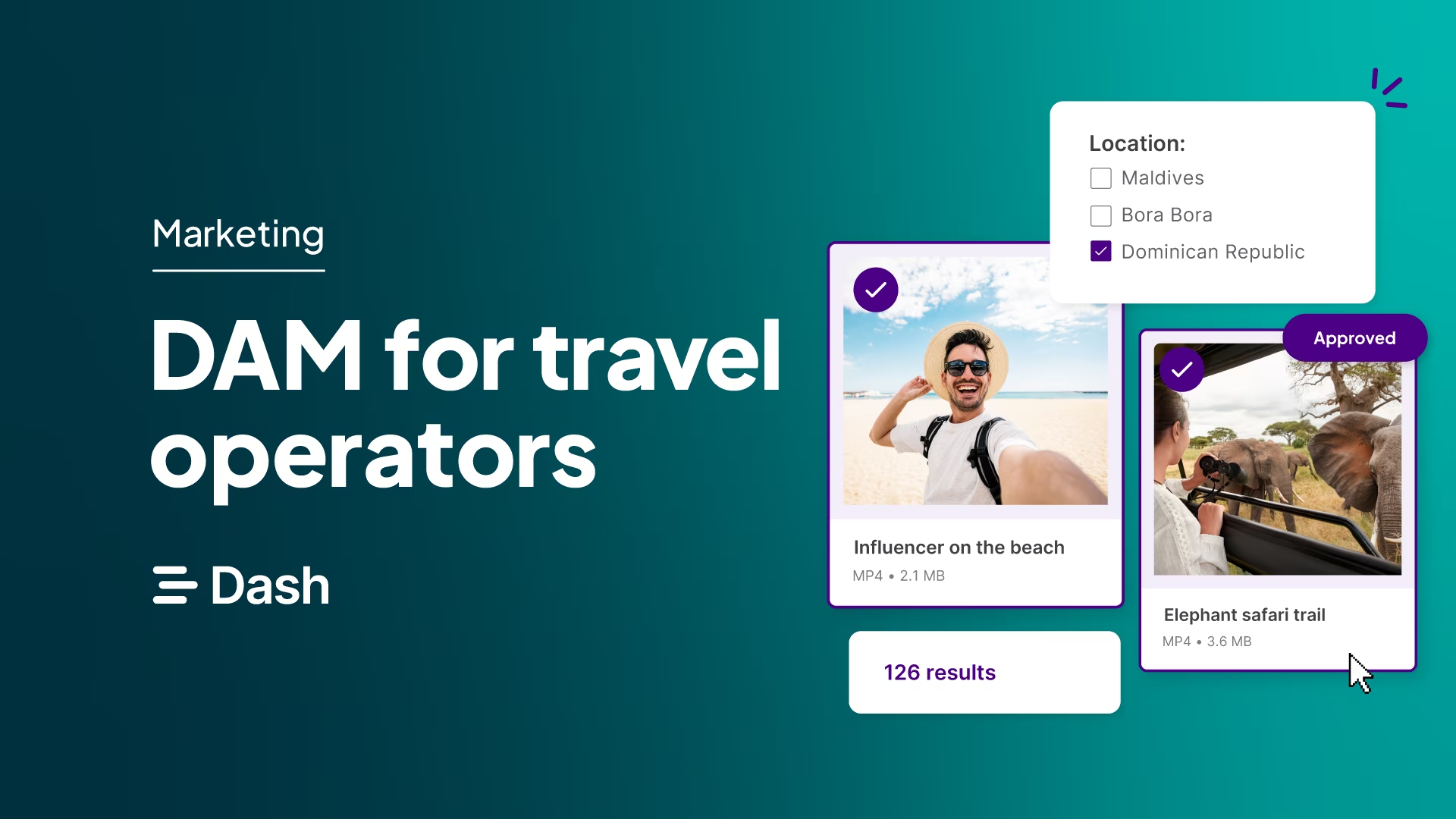
Tour operators have an unusual relationship with their imagery. You need great photos of places you don't own, mostly taken by people who don't work for you.
So the library builds up in bits. A lodge sends a gallery link, a guide shares a few shots on WhatsApp and freelance photographer delivers via WeTransfer. And guests post some of the best content of all on Instagram. Over time, it ends up spread across inboxes and shared drives, with no easy way to find the shot you need for a new trip page.
A digital asset management (DAM) tool gives all of that content one home. Here's how a DAM helps tour operators, and what to look for when choosing one.
What is digital asset management for tour operators?
A digital asset management tool is a central place to store, organise and share all of your visual content. For a tour operator, that means destination and landscape photography, lodge and hotel imagery from suppliers, activity and wildlife shots, trip video, guest content, logos and brochure assets.
Many tour operators store their imagery in Google Drive or Dropbox, and receive it through WeTransfer. That's fine for storage. But those tools weren't designed to collect content from dozens of suppliers, or to find one shot among thousands, which is most of what a tour operator needs.
The problem with using SharePoint, Google Drive or Dropbox for trip imagery
Shared drives work well enough when you run a handful of trips. But every new destination, supplier and departure adds more content, and the cracks start to show.
- Supplier content ends up everywhere: Often, activity and hotel suppliers send images by email, WeTransfer and shared folders they own. Some of it gets saved in SharePoint, some gets lost, and download links expire before you get a chance to open it.
- Searching relies on file names: A lodge might send you image files titled: ‘DSC_0042.jpg’ or ‘Final Selects v3’. Drive can't tell what's in an image, so finding a particular piece of content means you have to remember where someone filed it and what it's called.
- Duplicates pile up: In a shared drive, each photo can only sit in one folder. But tour operators often need the same image in lots of places. A great shot of a beach in Zanzibar, for example, might be needed for three different trips. So people copy it into each trip’s folder. Over time you end up with several versions of the same image, some edited and some not, and nobody’s sure which one is the right one to use.
- It’s hard to keep track of usage rights: When images come from suppliers and freelancers, it's not always clear whether you can use them on your website, in print or in paid ads. Tools like Drive don’t give you an easy way to add and view this type of data on your content.
- You’re the only one who knows where anything is: In many teams, one or two people know where everything is (this person might be you!). You know which folder has the best shots of each lodge, which supplier sent what, and which images you’re allowed to use. It means everyone comes to you for the latest assets, meaning you spend way too much time hunting down files when you should be getting new tours live on the site.
7 ways tour operators benefit from a DAM
So, it sounds like you need a DAM. Here are the benefits you’ll get if you pick a digital asset management tool like Dash.
Collect content from suppliers, guides and guests in one place
Most of your imagery is created by someone else. You’ll get content from activity providers, hotels, airlines, excursion providers and coach companies. A good DAM makes it easy for those people to send it to you, and for you to check it before it's used.
With Dash, you can send each supplier, guide or photographer a guest upload link. They can upload their content and you decide where their files go, such as a folder for a particular lodge or trip, and review each upload before approving it.
You can do the same with guests after a departure, so their photos and videos from the trip end up in your library rather than just on their Instagram.
2. Find the right shot of any destination, fast
In Dash, every image is scanned when it's uploaded and given auto-tags, like elephant, savannah, sunset. And if something hasn't been tagged, AI search understands what's in the image anyway. So you can type ‘walking safari at dawn with a guide’ and find it, whatever the file is called.
Simon Langley, Head of Marketing at luxury travel company Cookson Adventures, explains what that's like day to day:
"If I want to search for all photos of a 'helicopter', I can do that. Or if I want to search for all photos in a certain place, I can. Whereas before, we only had a finite way of accessing them. And a lot of that only existed in our heads."
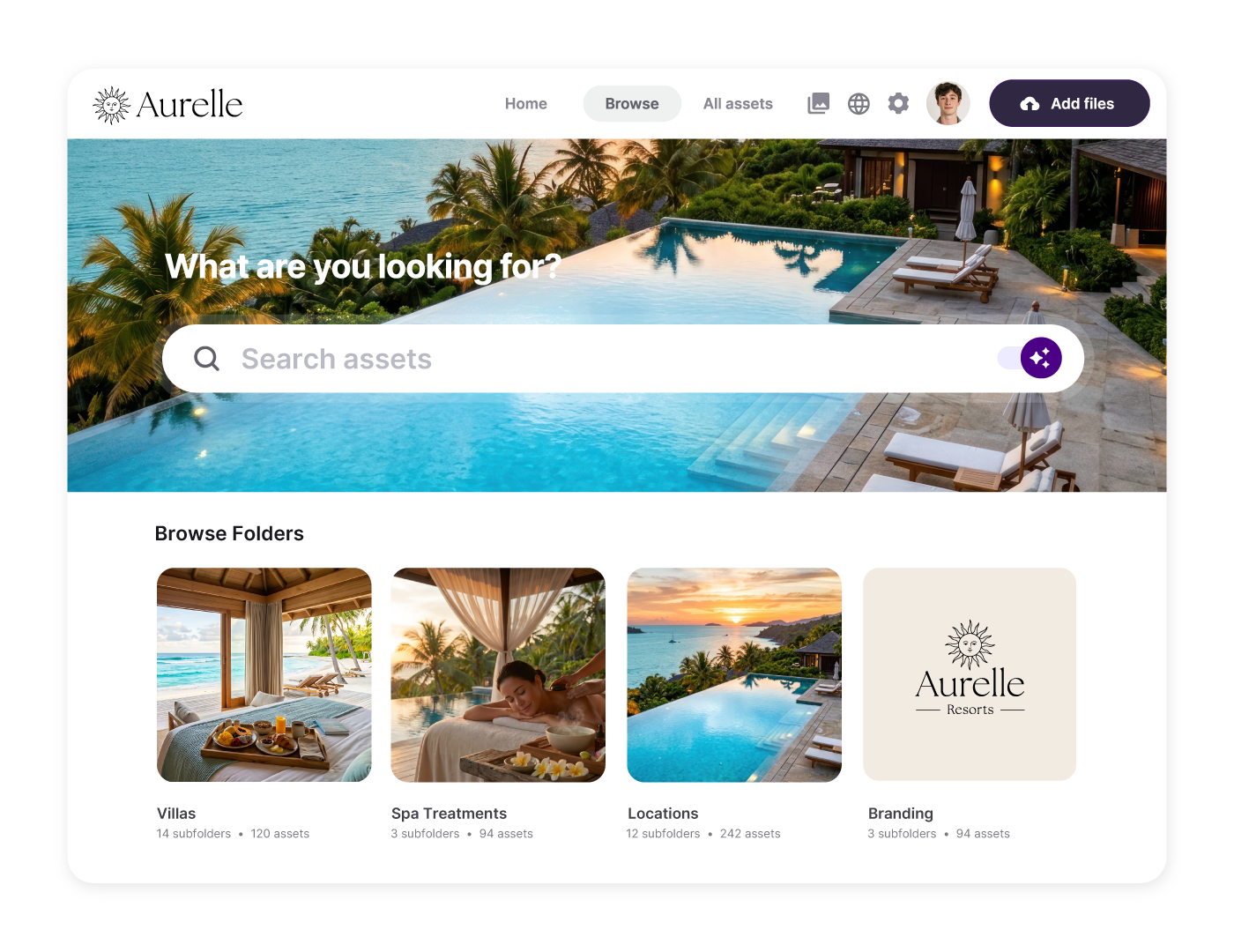
3. Organise imagery by destination, supplier and trip
One image of a lodge might belong to a destination, a supplier, three different trips and a seasonal campaign. In a shared drive, that usually means copying it into several folders. In a DAM, it exists once, but you can search for it in multiple different ways.
In Dash, you can set up your own custom fields, like destination, supplier, trip or activity, and use parent and child tags to build a hierarchy. Cookson Adventures, for example, uses nested location tags, so the team can filter by continent, then by country, when they're planning a campaign for a particular region.
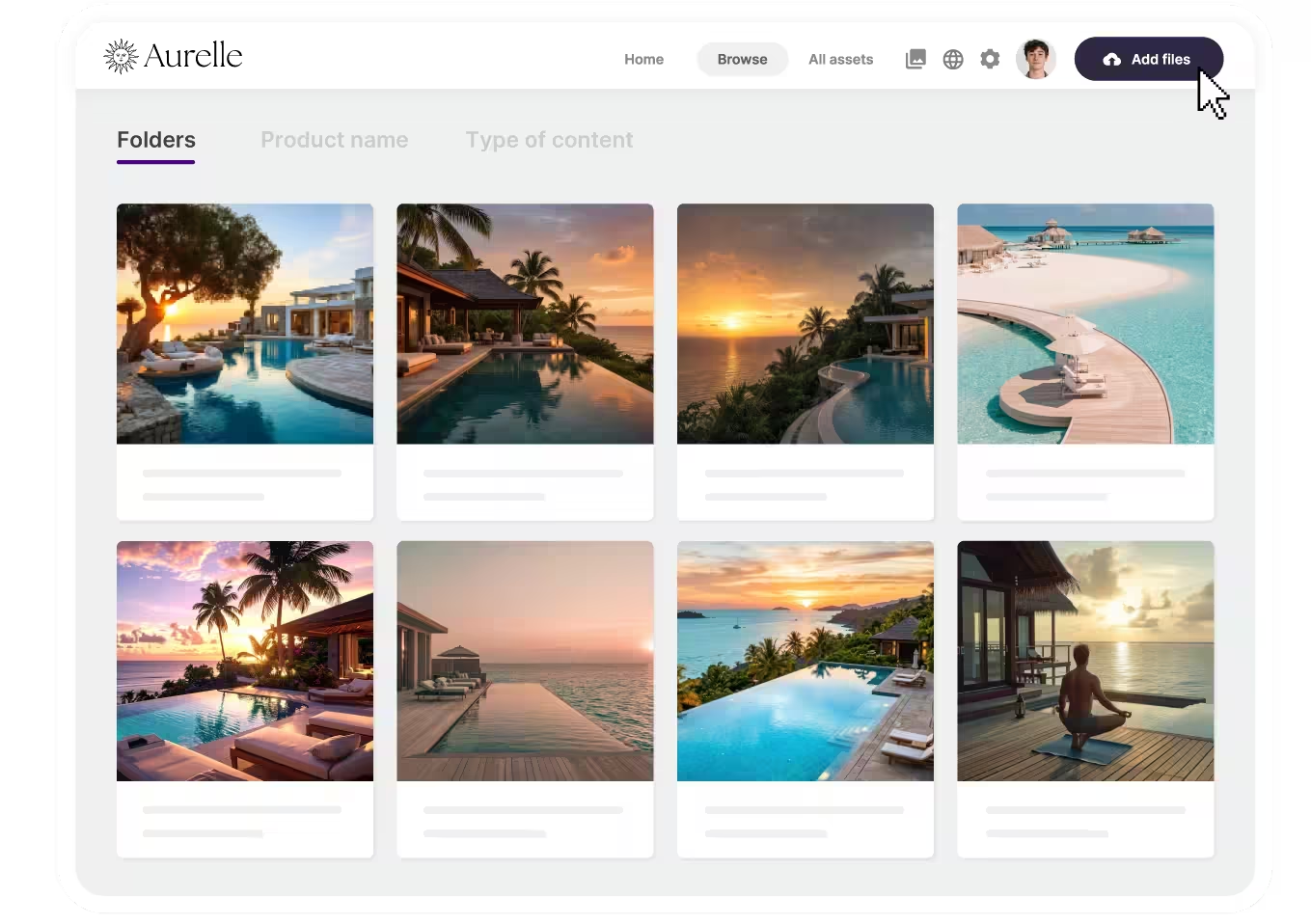
4. Launch new trips faster
Every new trip needs imagery for a web page, a brochure, proposals, emails and social posts. If pulling that together means emailing suppliers and searching through old folders, the launch waits.
With everything tagged by destination, supplier and activity, your team can gather the imagery for a new itinerary in minutes. Save it as a collection for that trip, and everyone working on the launch has the same set of approved images. Dash's built-in cropping and resizing tools then let anyone create the right size for each channel, without waiting for a designer.
5. Share imagery with travel agents, partners and press
Travel agents, advisors, partners and journalists all need your imagery to sell and write about your trips. Sending it out one request at a time quickly becomes a part-time job.
In Dash, you can select the images you need, add them to a collection and share it with a single link. For partners who need ongoing access, you can set up a branded portal that shows only the content you choose, and updates whenever you add new imagery.
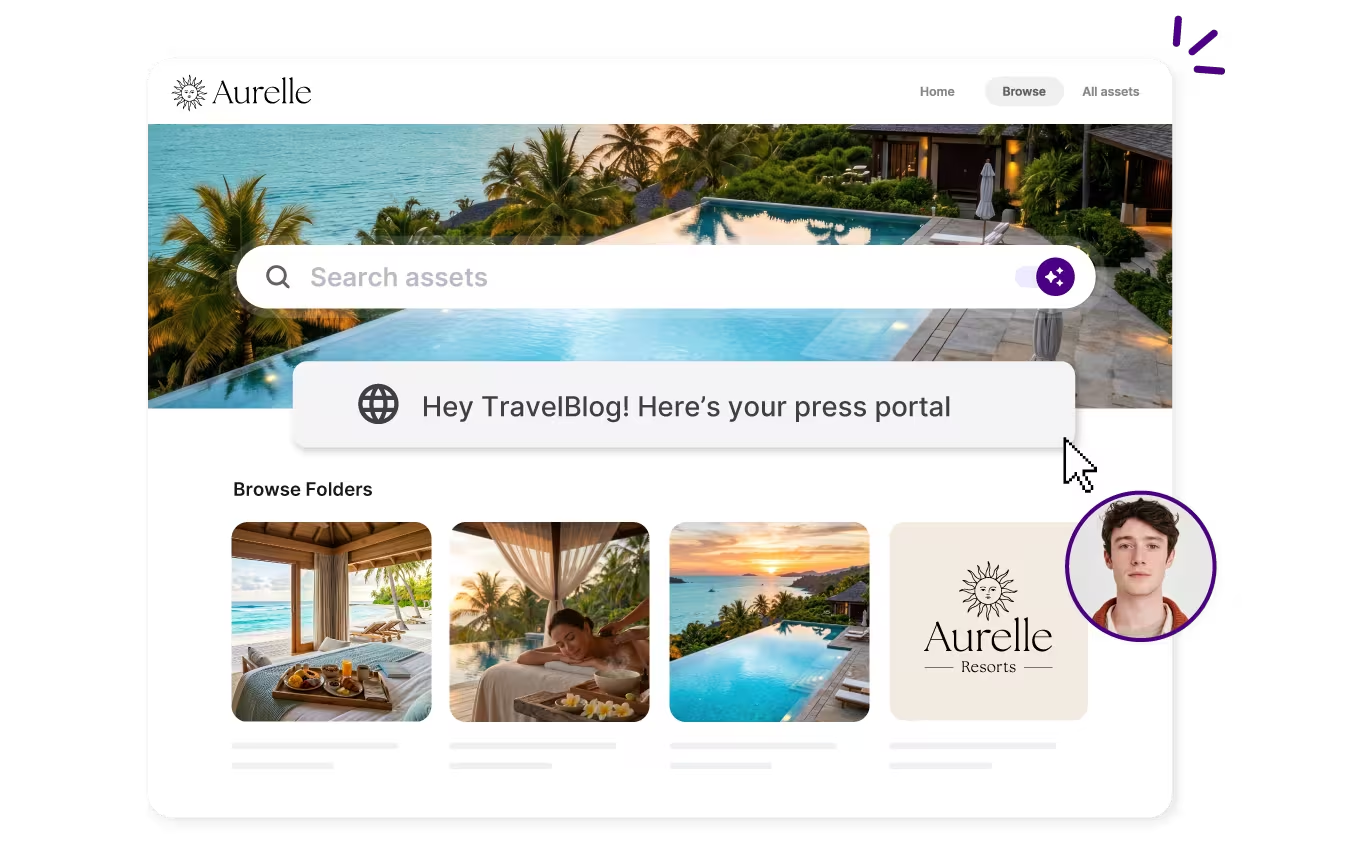
Cookson Adventures didn't buy Dash for press sharing, but it turned out to be a good fit:
"We didn't actually set out to use Dash for sending media to journalists as well. However, the collections function was perfect for external sharing."
They now use Dash collections to share images and videos with publications like the Financial Times and BOAT International.
6. Keep track of credits and rights on images you don't own
When your imagery comes from lots of suppliers and freelancers, the usage rights vary just as much. A lodge might let you use its photos on your website but not in paid ads. A photographer's licence might run out next year.
In Dash, you can add fields like supplier, photographer credit, usage rights and expiry date to each image. When an image reaches its expiry date, anyone who tries to download it gets a warning. You can also set permissions, so certain content is only visible to the people who need it.
7. Stop relying on one person's memory
With a DAM, what used to sit in one person’s head is saved alongside each image. Tags show what’s in a photo and which trip, destination and supplier it belongs to. Custom fields show who took it and where it can be used. So anyone on the team can find the right image and know it’s OK to use, without asking.
That’s vital when someone new joins. Instead of spending weeks learning where everything is, they can search the library on their first day. And when someone’s on holiday or moves on, nothing gets lost.
Cookson Adventures saw this first-hand. Before Dash, as Simon Langley explains:
“Everyone had to become an expert in knowing where things were and what images they could and couldn’t use. And what happens when a new starter comes in or when someone leaves? You lose that knowledge.”
Now, that knowledge lives in Dash, where the whole team can get to it.
What to look for in a DAM for tour operators
By now you’ll know what a DAM can do. Choosing one comes down to whether it fits how your team actually works. You’ve likely got contributors outside the business, lots of teams inside it, and a library that grows with every new trip. Here are some things to consider:
Will your suppliers actually use it?
Lodges, local partners and guides are busy, and they’re not going to set up an account just to send you photos. Dash’s guest upload links work without a login, so sending content is as easy as using WeTransfer, except it lands in the right place in your library and doesn’t expire.
Can every team search the way they think?
Your product team might look for images by trip, sales by destination, and marketing by campaign or season. Look for flexible custom fields that suit all three. When Cookson Adventures set up Dash, they asked everyone who’d use it what they needed, and built their tags around that. Our onboarding team can help you do the same.
Can your sales team use it without training?
Travel consultants and sales staff need imagery for proposals, often while a client is waiting. The DAM needs to be simple enough for them to find and download what they need i n seconds. Dash is designed to be incredibly intuitive and easy to use. Plus, unlimited users means your whole sales team can have access.
Does it handle video and big files?
Trip footage, drone shots and guest videos take up a lot of space. Dash supports video alongside images, including trimming clips for social, and plans range from 10GB to 50TB as your library grows.
Does it work for a team spread across locations?
Tour operators often have staff in different offices, countries and time zones. Dash is cloud-based and works in any browser, so everyone can get to the library wherever they are.
Will someone help you sort out the content you already have?
Most tour operators have years of supplier content scattered across drives and inboxes. Dash includes free migration and onboarding, and every plan includes every feature and unlimited users. Plans start from £79/$109 a month.
What's the best DAM for tour operators?
For a tour operator, the best DAM is one that's as good at bringing content in as it is at finding and sharing it. It should be easy for suppliers to use, easy for your team to search, and quick to get running.
Dash covers all three. Guest uploads let suppliers and guides send content without an account, AI search and flexible tagging make it easy to find by destination, supplier or trip, and usage rights stay attached to every image. Every plan includes unlimited users, and we'll help you move your existing library across for free.
For more on how travel companies use Dash, read how Cookson Adventures organises content from world-first expeditions.
Want to see how Dash would work with your trips and suppliers? Book a demo with our team.

Amy Burchill is the SEO and Content Manager for Dash. She works with ecommerce experts to create articles for DTC brands wanting to improve their campaigns.